
Player Shops - Chest Shops
Open a shop in your town, sell your resources and build your own business. Physical player shops use ordinary chests and shop signs, so customers can browse and buy items in person. All prices use Gold Ingots.
SolarCiv also has online player shops through SolarOS computers, with drone stock collections and deliveries. Those work differently - see Opening an Online Shop.
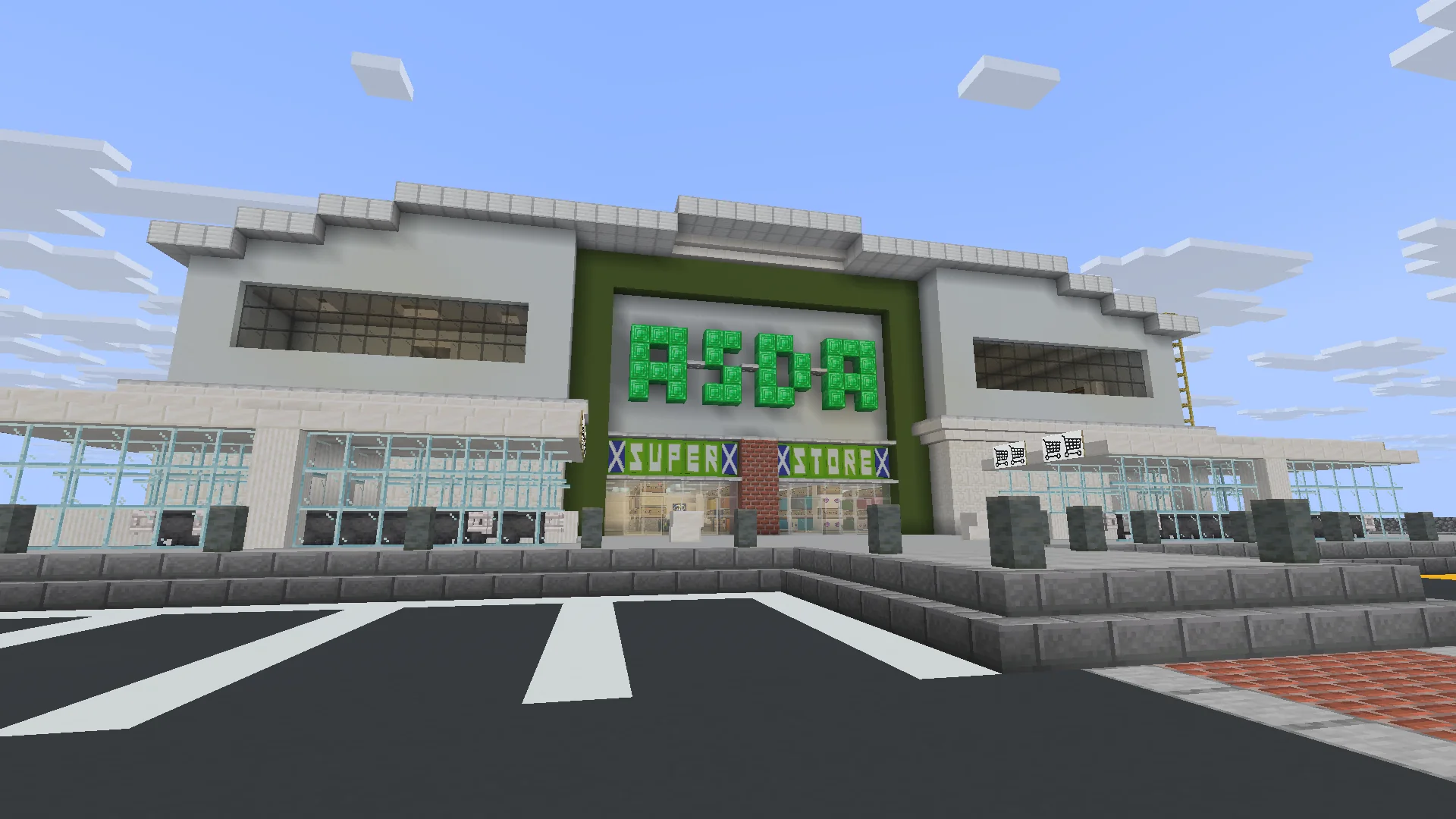
A player-built supermarket shows how large an in-game retail business can become.
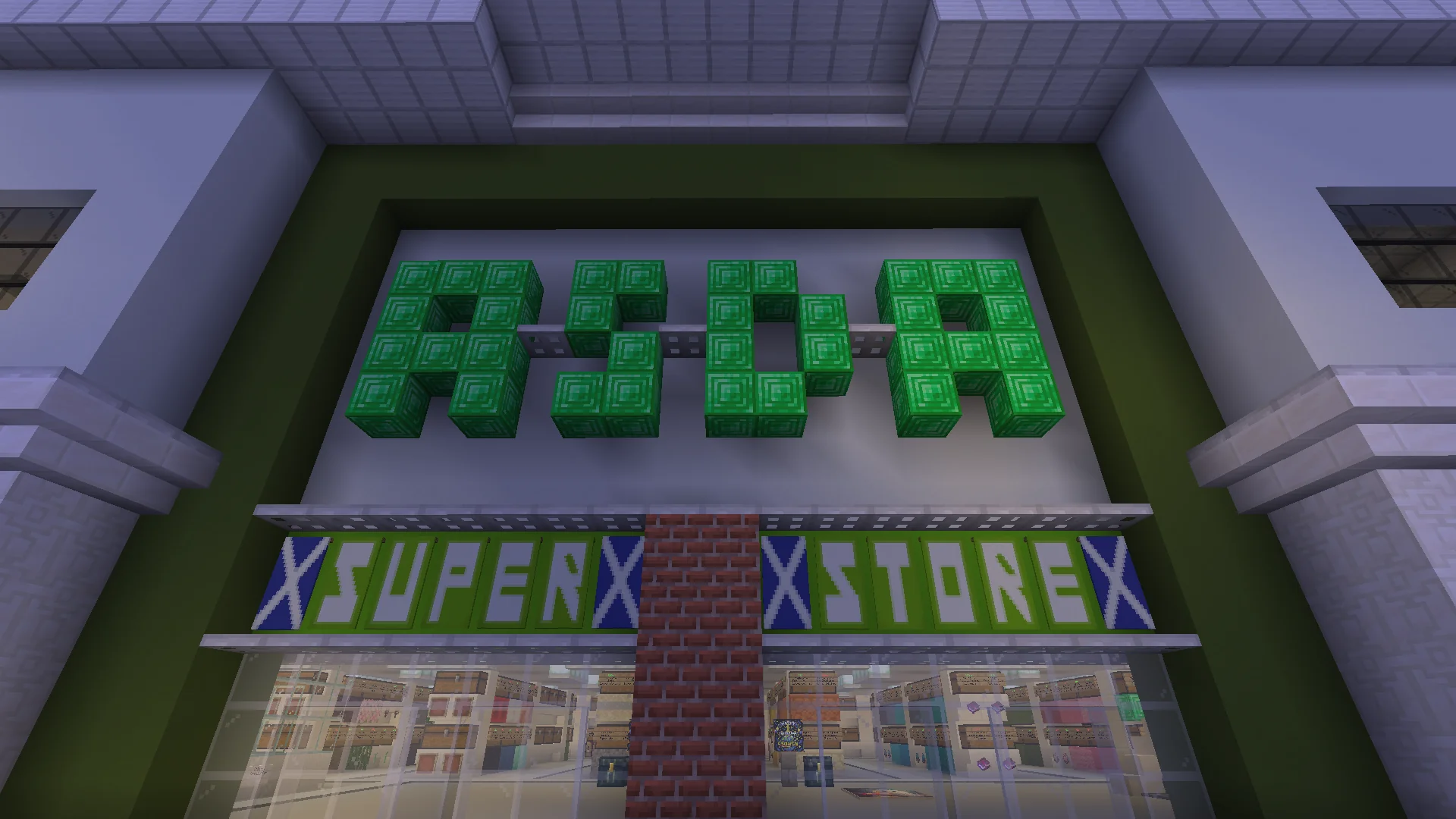
A shop can be as simple as one chest or as ambitious as a full supermarket.
How to make a chest shop
- Choose a suitable spot on land where you can build. If you're setting up inside a town, shop plots can be designated using
/plot set shop. - Place a chest where customers can reach it.
- Put the items you want to sell inside the chest.
- Hold the item you're selling and interact with the chest to begin creating the shop.
- Follow the chat prompt to enter the price in Gold Ingots for the displayed quantity.
- Check the resulting sign to make sure the item, amount and price are correct.
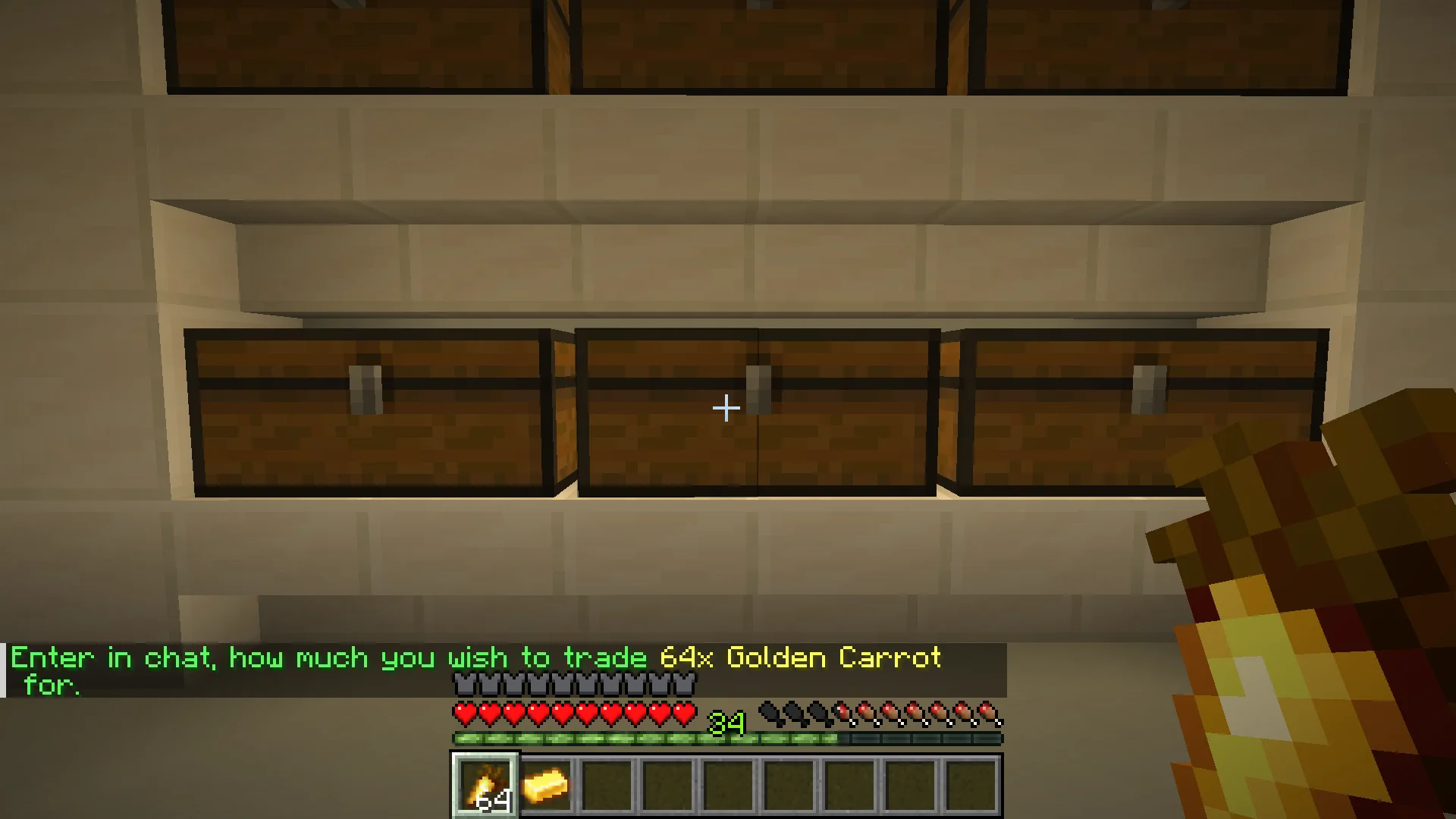
When creating a shop, enter the price requested in chat for the quantity shown.
Arrange chests into aisles or stockrooms, with signs clearly visible to customers.
Understanding a shop sign
Shop signs show the seller, what is being sold, how many items a purchase contains, and the price. For example, a sign might advertise 2 Saddles for 10 Gold Ingots.
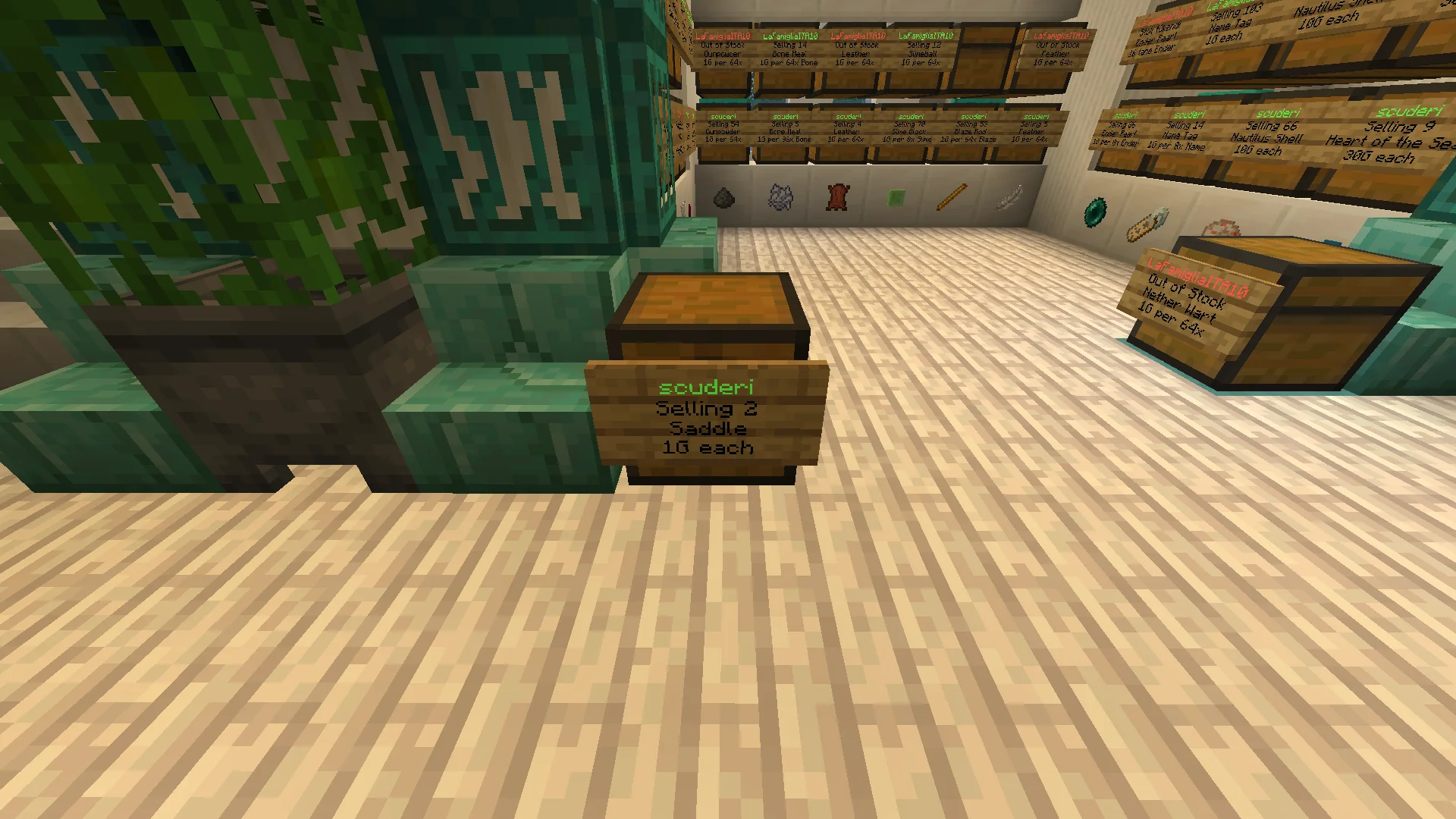
Customers can read the shop sign before interacting with the chest.
How to buy from another player
- Visit a player shop and read its sign.
- Check the product, quantity and Gold Ingot price.
- Interact with the shop to purchase the advertised amount.
- Make sure you have enough Gold Ingots and free inventory space.
Keep your Gold Ingots ready and check the sign carefully, especially when a listing is priced per multiple items rather than per single item.
Keeping your shop stocked
Your products are supplied by the linked chest. Keep enough items inside for purchases to succeed. If the chest runs out, its sign can show Out of Stock, so shoppers know the listing is currently unavailable.
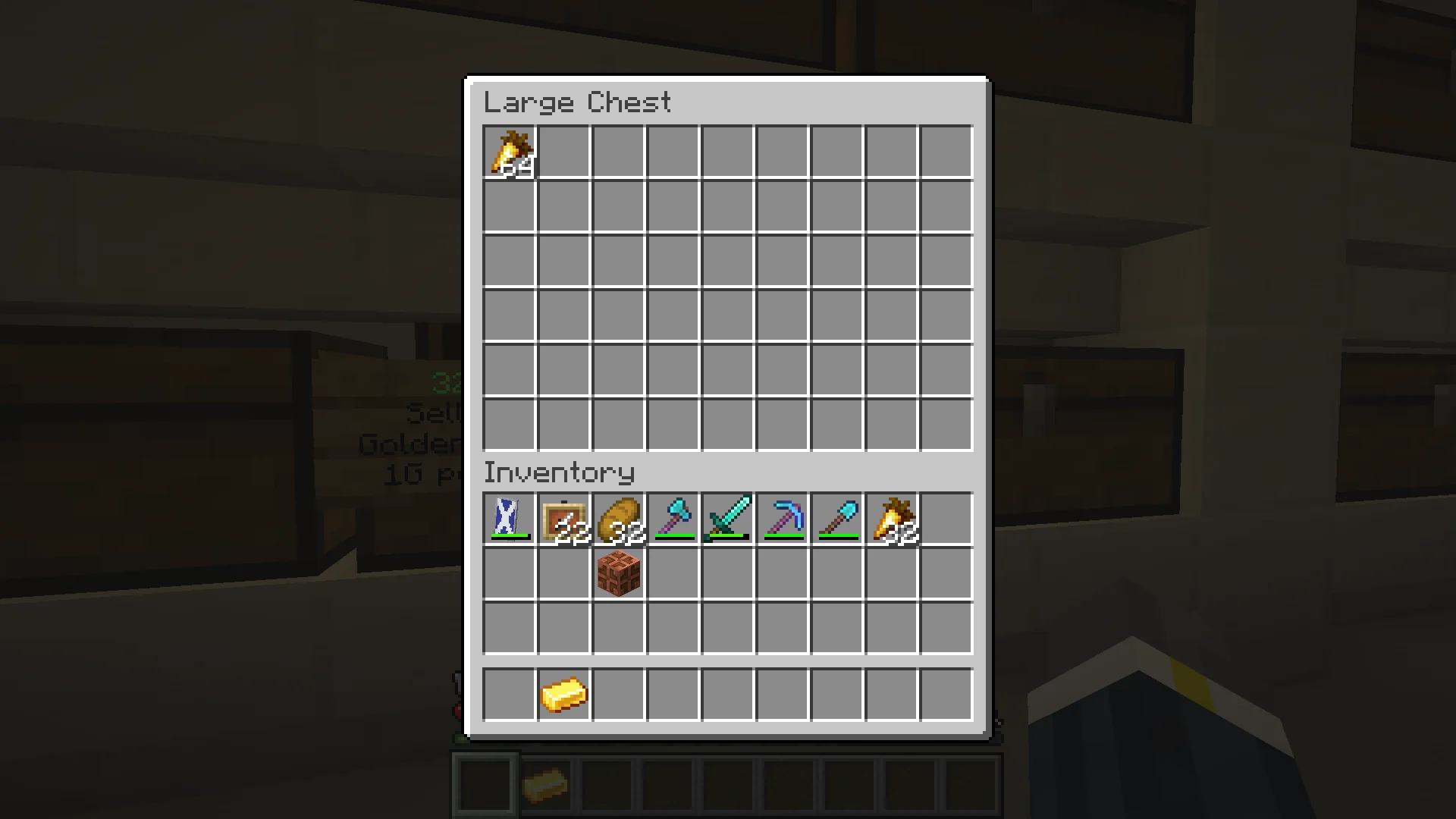
Keep stock in your shop chest so that customers can buy the advertised goods.
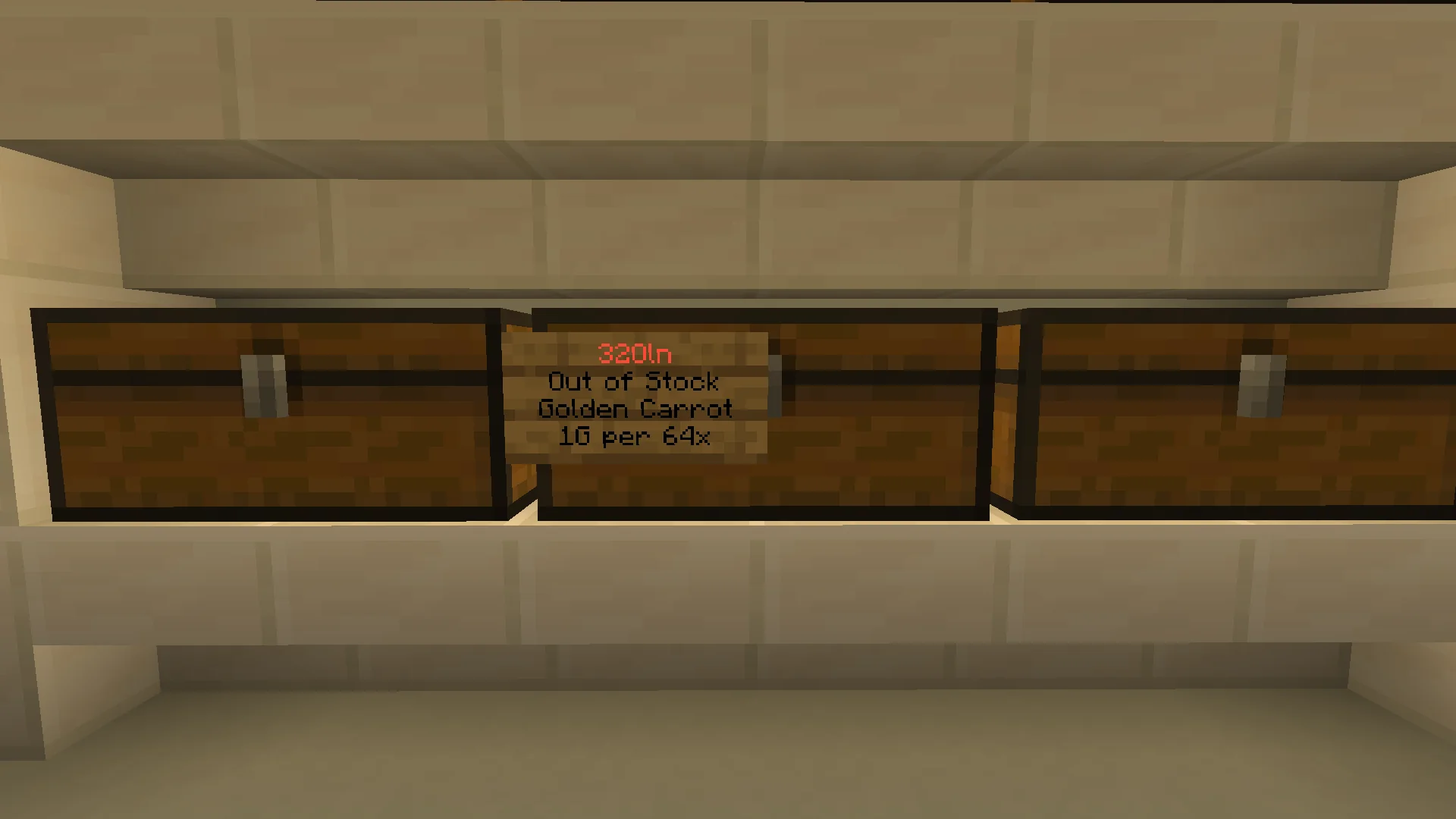
Out of Stock means customers cannot currently buy that listing.
Building a bigger store
Group products by category, leave space to walk between aisles, label sections clearly and replenish popular goods regularly. You can run a tiny market stall, a specialist equipment shop, or a multi-floor supermarket.
For shopping from home, try Buying Online, or open your own online shop and have drones collect your stock.